- Call us 01444 237070

-
- Back
- Used Cameras
- Used Accessories
- Used Lenses
- Back
- Used Canon Lenses
- Used Nikon Lenses
- Used Fujifilm Lenses
- Used Sony Lenses
- Used Micro 4/3rds Lenses
- Used Leica Lenses
- Used Panasonic Lenses
- Used Pentax Lenses
- Used Samyang Lenses
- Used Sigma Lenses
- Used Tamron Lenses
- Used Tokina Lenses
- Used Voigtlander Lenses
- Used Zeiss Lenses
- Used Hasselblad Lenses
- Used Video
- Used Film Equipment
- Used Stock Alert
- Used Blank Test
- Sell or Part Exchange
- Used Clearance
- Recently Added Used Equipment
- Park Picks
- Faulty
- Trade-In
- Blog
- New in
- Call us
- Contact us
- Stores
- Sign in
product
BUYING-GUIDE-02
Call us: 01444 237070
Search terms
Brands
Category
Products
[[{name}]]
[[{attributes.Price}]]
- Categories
- Tips & Inspiration
- Reviews
- News
- Events
- Features
- Buying Guides
- Competitions
The Best A3 Photo Printers
A3 photo printers are ideal for home use, offering double the size capabilities of A4, but with a far smaller footprint that a large format printer. Having a printer at home saves you time, as you don't have to wait for post to arrive from an online service.You can also get incredible gallery-quality results and tweak your photos with editing software to get perfect colours. This buying guide explores all of this, as well as well as looking at the best A3 photo printer for photographers who love see their work on the wall.
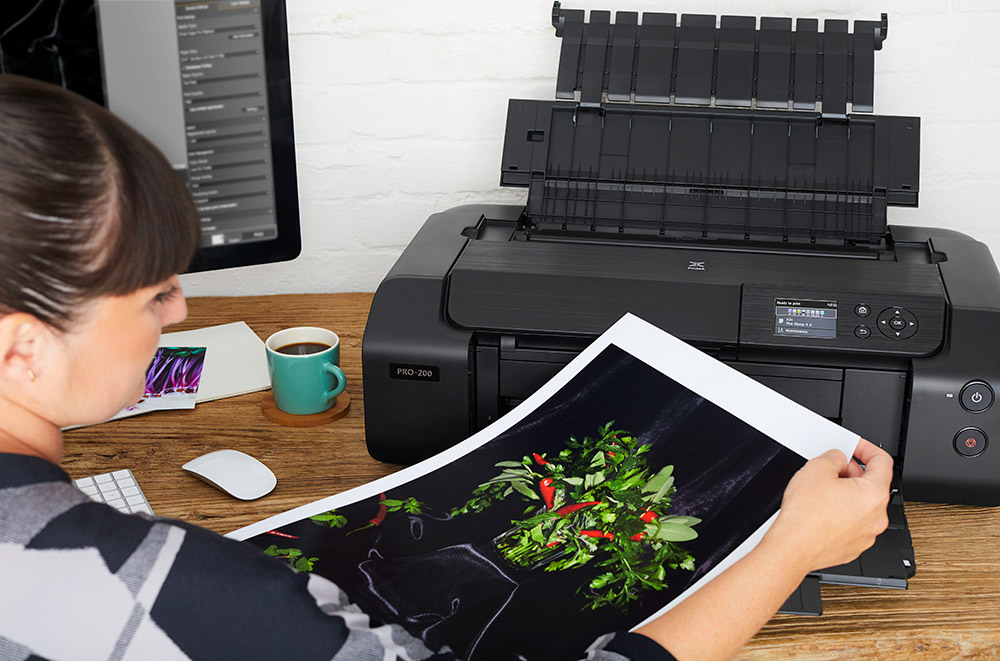
How to Choose a Model for Your Needs
Before choosing, consider what you want to produce, how much space you have and the features you are likely to use. Larger formats provide more scope for posters, framed work and displays, while smaller formats may be sufficient for everyday home use.
- Quality. Everyday results for home or gifts place different demands on a device from professional work intended for sale or exhibition. Resolution, ink system and colour reproduction are important considerations.
- Size. Check the dimensions carefully and make sure there is enough room for both the device and media handling. Larger models are generally better suited to a permanent position on a desk or workstation.
- Functionality. Some models concentrate solely on output, while multifunction options also provide scanning and copying.
- Connectivity. Depending on your workflow, useful options can include Wi-Fi, USB, Ethernet, memory cards and mobile devices. Wireless connectivity is particularly convenient when several people need access.
- Ease of use. Straightforward controls and an intuitive interface can save considerable time, particularly if you regularly change settings, media or output sizes.
- Media handling. Check which sizes, weights and materials are supported. Some models accommodate multiple paper types, thicker media and specialist materials such as canvas.
- Speed. This becomes more important for higher volumes. Maximum quality can take longer to produce, so selectable quality settings are useful when speed takes priority.
- Running costs. Purchase price is only part of the overall expense. Consider replacement ink cartridges, capacity and approximate cost per print, particularly if you expect frequent use.
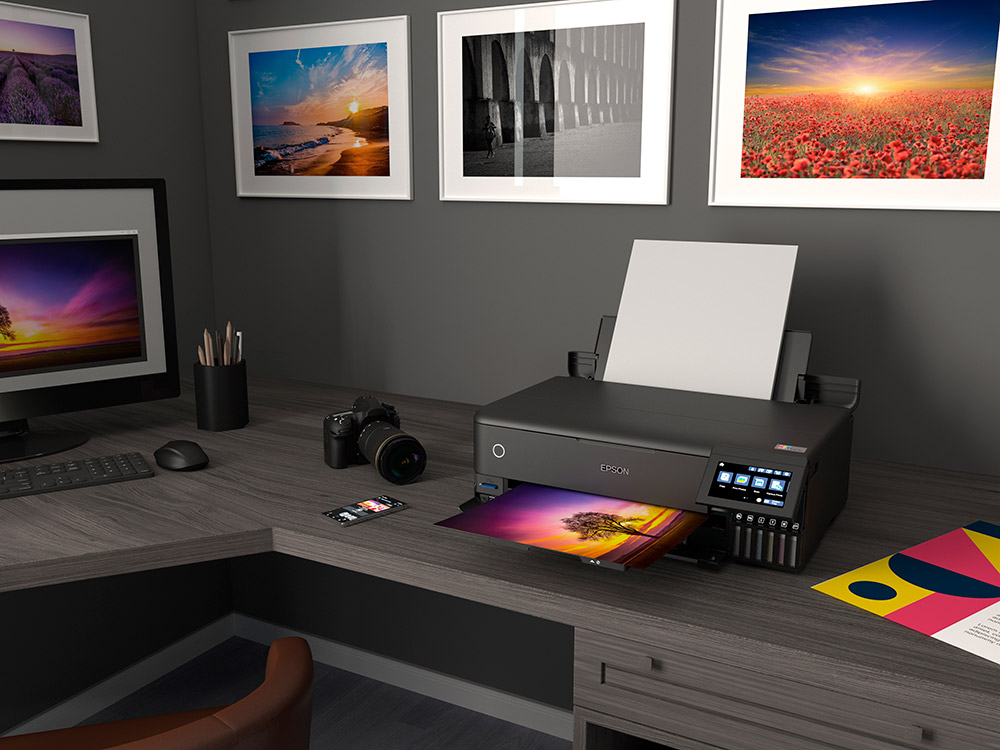
Our Pick for Professional Use
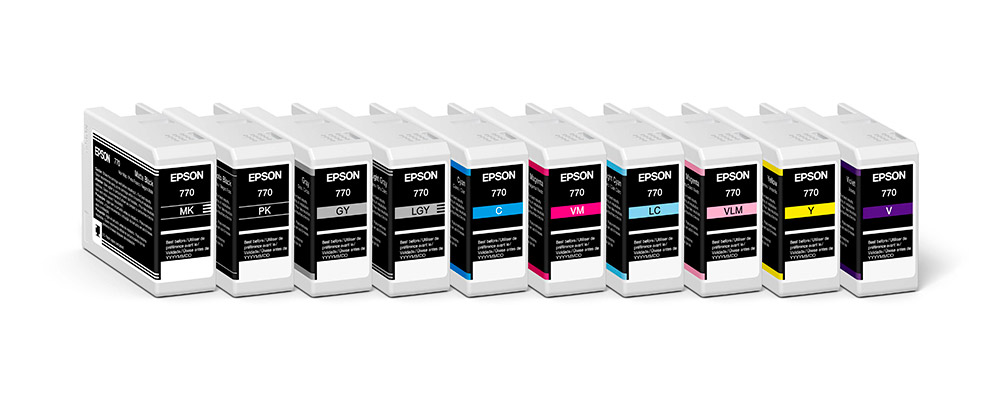
For professional work, we recommend the Epson SureColor SC-P700. Its 10-colour ink system, 5,760 x 1,440 dpi maximum resolution and dedicated black inks provide excellent colour and monochrome results across different media.
The Canon ImagePROGRAF PRO-310 A3+ Photo Printer is a strong alternative, particularly when comparing ongoing ink costs.
Epson SureColor SC-P700 Pros:
- Excellent colour accuracy from a 10-ink system
- Strong colour and monochrome output
- Supports a wide range of media
- Wi-Fi, Ethernet and USB connectivity
Epson SureColor SC-P700 Cons:
- Replacement inks contribute to relatively high running costs
- Requires additional space when the media trays are extended
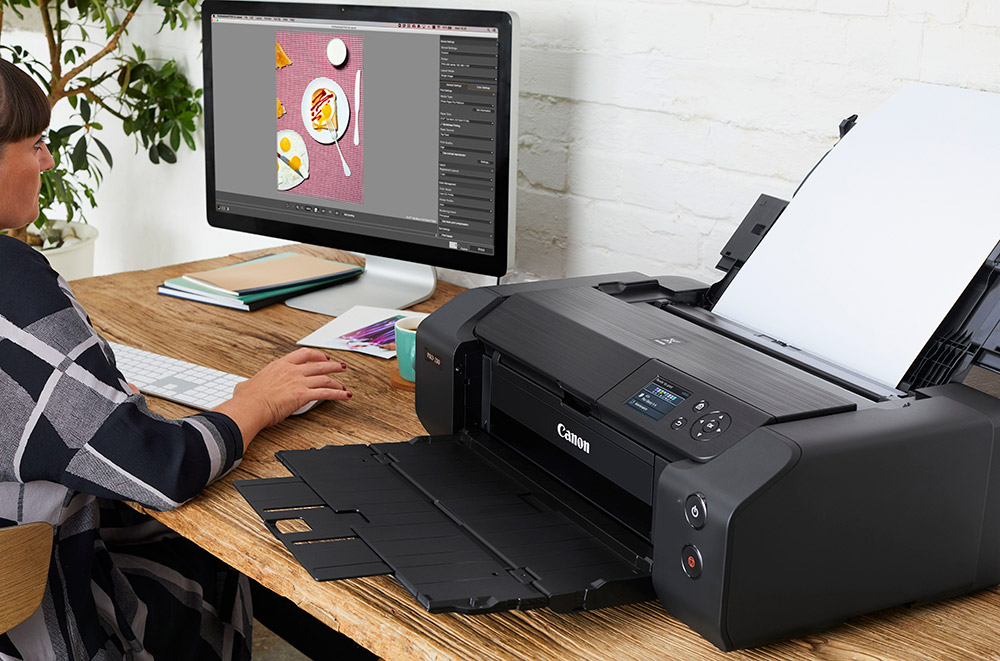
Our Choice for a Smaller Workspace
The Canon ImagePROGRAF PRO-310 A3+ Printer measures 639 x 379 x 200 mm while providing a 10-ink system with Chroma Optimizer and up to 4800 x 2400 dpi resolution. It is a strong choice where high-quality output is required but workspace is limited.
Pros:
- Relatively compact 639 x 379 x 200 mm body
- 10-ink system with Chroma Optimizer
- Lower-cost replacement cartridges
- 3-inch LCD screen
Cons:
- Maximum supported media thickness of 0.6 mm
- Chroma Optimizer may require relatively frequent replacement
- No roll-paper support for very long panoramas
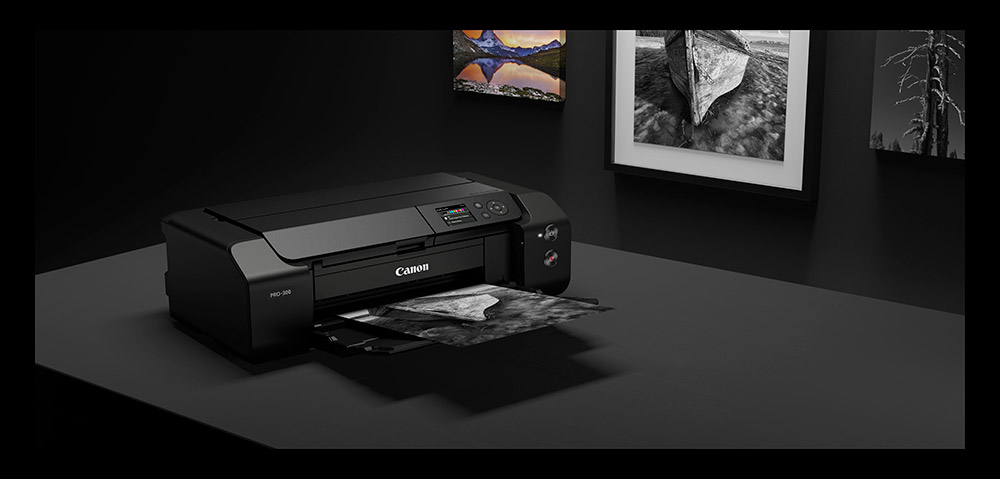
Our Pick for Vibrant Colour
The Canon PIXMA PRO-200S A3+ Printer is a more affordable option for enthusiasts who prioritise bright, vivid results. Its 8-colour dye-based ink system is complemented by flexible media handling and useful connectivity.
Pros:
- 8-colour dye-based ink system
- Up to 4800 x 2400 dpi resolution
- Supports media up to 380 g/m²
- Wi-Fi, Ethernet and Apple AirPrint
- 3-inch LCD screen
Cons:
- Controls may take some familiarisation
- Requires a reasonable amount of workspace
- No scanning functionality
Our All-In-One Pick
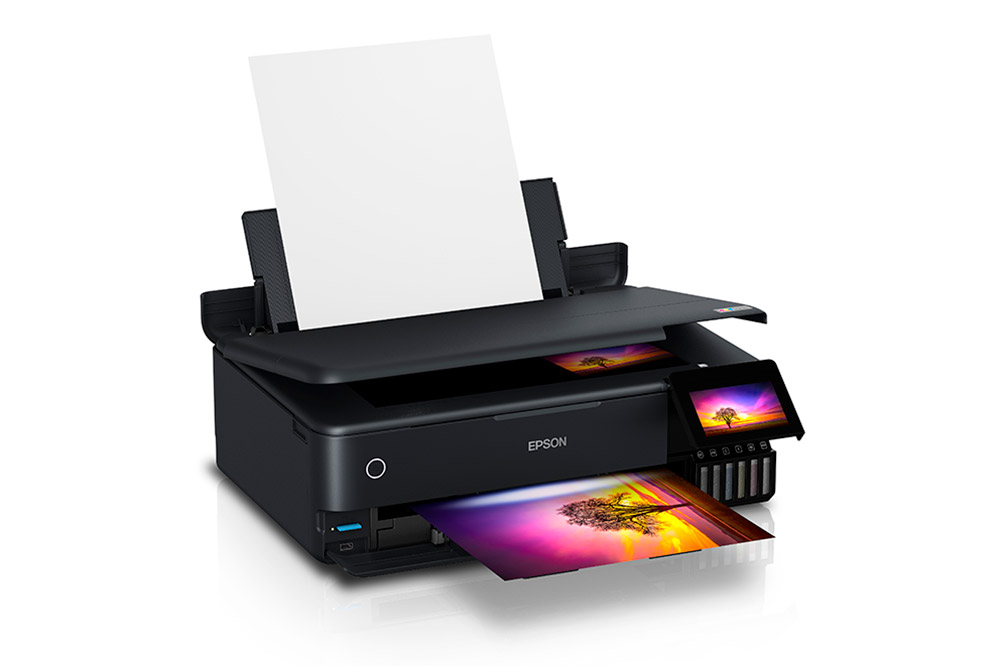
The Epson ET-8550 EcoTank All-In-One Printer combines printing, scanning and copying, making it a versatile choice for home working, creative projects and everyday use.
Its refillable ink system helps reduce running costs, while SD card, USB, Wi-Fi and Ethernet connectivity provide flexible ways to work. Support for media up to 1.3 mm thick and 2 m long also makes it particularly useful for crafts and more unusual projects.
Compare Our Top Choices
|
Printer |
Price |
Max Resolution DPI |
No. of Inks |
Cost of new inks Approx. |
Dimensions (W x D x H) |
|
£699 |
4800 x 2400 DPI |
10 (including Chroma Optimizer) |
£154.99 (multipack) |
639 x 379 x 200 mm |
|
|
£619 |
5,760 x 1,440 DPI |
6 |
£95.94 (all x6 inks) |
523 x 379 x 169 mm |
|
|
£645 |
5,760 x 1,440 DPI |
10 |
£279.90 (all x10 inks) |
515 x 368 x 185 mm |
|
|
£459 |
4800 x 2400 DPI |
8 |
£147.92 (all x8 inks) |
639 x 379 x 200 mm |
|
|
£179 |
9600 x 2400 DPI |
6 |
£74.99 (multipack) |
584 x 310 x 159 mm |
Useful Accessories
A few extras can help you get started and keep everything running:
- Photo paper in your preferred size, finish and weight.
- Replacement ink cartridges, with multipacks often providing a convenient way to replace several colours at once.
- A memory card for direct printing on compatible models.
- A SanDisk Ultra 64GB Dual USB-C Drive for conveniently transferring files between compatible devices.
Ready to complete your setup? Browse our range of accessories for paper, ink, storage and other useful essentials.
Share this post:
By Park Cameras on 18/11/2021
Trade in your old equipment
Fast and easy trade in service ensures your old gear is collected efficiently and you are paid quickly! It's very simple to trade in your unwanted photography gear. Just head over to our dedicated Sell or Part Exchange page, fill out the details, and we'll get back to you with an offer for your old gear. Take the cash, or put it towards the cost of your new gear. It's up to you! Find out more
sign up to the newsletter
Keep up to date on the latest photography news, events and offers. Sign up now