- Call us 01444 237070

-
- Back
- Used Cameras
- Used Accessories
- Used Lenses
- Back
- Used Canon Lenses
- Used Nikon Lenses
- Used Fujifilm Lenses
- Used Sony Lenses
- Used Micro 4/3rds Lenses
- Used Leica Lenses
- Used Panasonic Lenses
- Used Pentax Lenses
- Used Samyang Lenses
- Used Sigma Lenses
- Used Tamron Lenses
- Used Tokina Lenses
- Used Voigtlander Lenses
- Used Zeiss Lenses
- Used Hasselblad Lenses
- Used Video
- Used Film Equipment
- Used Stock Alert
- Used Blank Test
- Sell or Part Exchange
- Used Clearance
- Recently Added Used Equipment
- Park Picks
- Faulty
- Trade-In
- Blog
- New in
- Call us
- Contact us
- Stores
- Sign in
- Categories
- Tips & Inspiration
- Reviews
- News
- Events
- Features
- Buying Guides
- Competitions
DJI Osmo Nano Review
DJI is unstoppable in 2025. It’s been less than a week since the DJI Mini 5 Pro First Look review, and now they have added the launch of the all-new DJI Osmo Nano to this year’s releases. The company now makes a huge variety of cameras and accessories, with a brand-new wearable device that joins gimbals and action cameras for every situation imaginable. But that can make it tricky to know which one to pick.
It Surprised Gareth! | Video Review
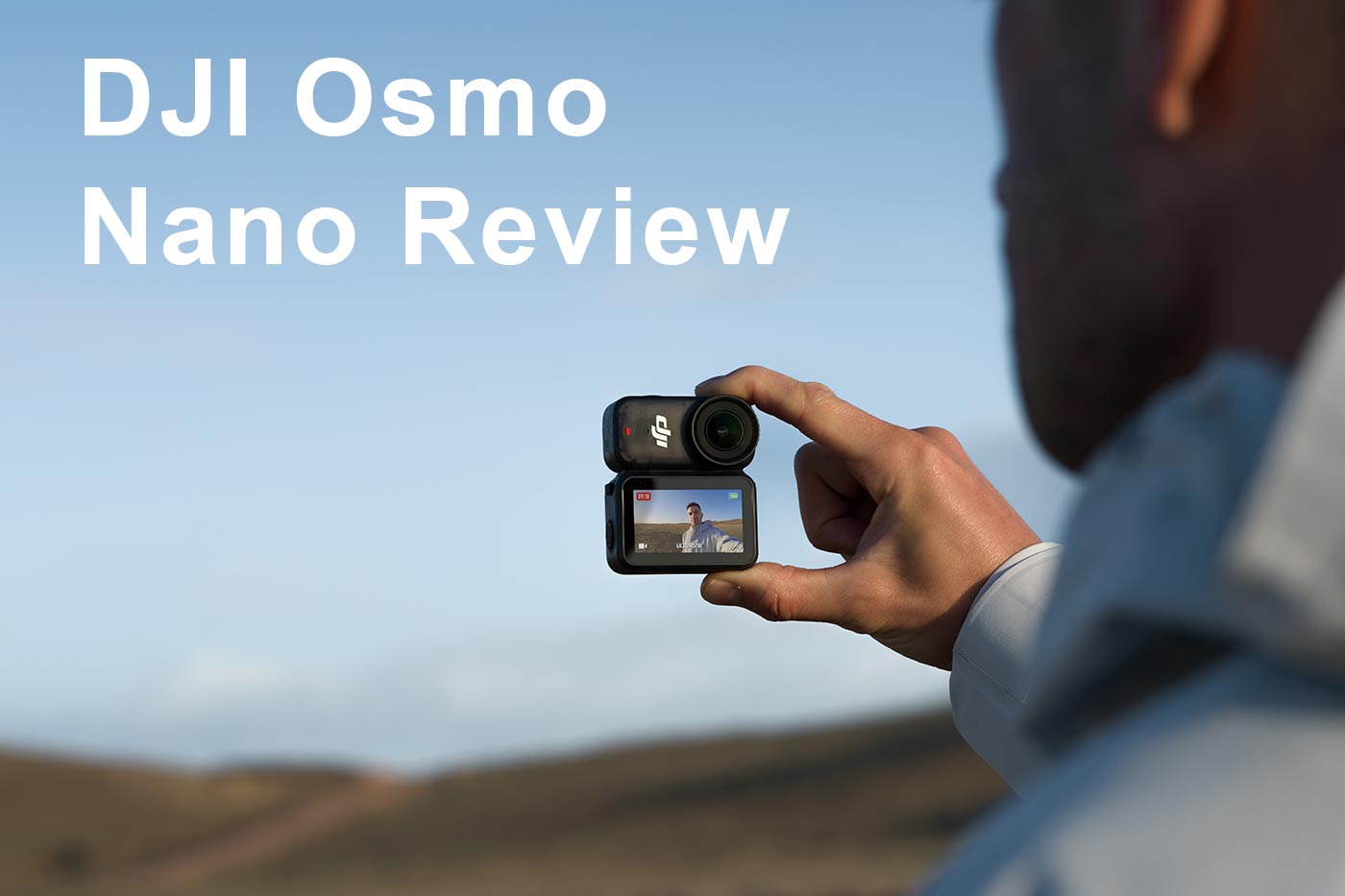
With the Osmo Nano, DJI has added its smallest wearable yet, joining Pocket and Action series in their line-up.
For this Review we’ve got a comprehensive specs comparison between three action cams to help you choose which is best suited to your style of content, whether you create for a YouTube channel or just for fun. Each takes a different approach to how you create content, whether that’s through the gimbal design, rugged build, or the ultra-light wearable style of the new Nano.
So let’s get started with the release date and launch price.
How much does it cost?
The Osmo Nano launched on Tuesday 23rd September in two versions. The Nano Standard Combo (128GB) costs £259.00, and the Nano Standard Combo (64GB) is priced at £239.00.
The Osmo Pocket 3 is about £489.00 in the UK, while the Osmo Action 5 Pro Standard Combo is around £276.00, so these three are comparable, which can make choosing between them even trickier.
In this review we learn that the mid-priced model is a wearable with a lot of mounting flexibility compared to the other action cams, without replacing either one.
What are the Main Features?
This is the brand's smallest model, but it has several features that enable fantastic image quality in keeping with higher-end models. From the new sensor to mounting options, it’s designed to capture high-quality footage in situations where a handheld camera isn’t always viable. Key features include:
- Weighs just 52 g, while adding the Multifunctional Vision Dock adds another 72 g
- 1/1.3-inch CMOS sensor with large 2.4µm pixels captures high-res 35MP stills at 6880 × 5160 resolution
- Video up to 4K/60fps, with ultra slow-motion recording at 4K/120fps and 1080/240fps
- Dual-sided magnetic design means it can be quickly attached to clothing, hats, or accessories for hands-free action
- Tried-and-tested RockSteady 3.0 and HorizonBalancing deliver smooth results
- Waterproof to 10 m on its own, and when used with the Vision Dock offers IPX4 splash resistance
- Fast charging gets the Nano to 80% in around 20 minutes, and the included Dock extends runtime to 200 minutes (at 1080/24fps). It features a 530 mAh rechargeable battery, while the Multifunctional Vision Dock has 1300 mAh
- Supports 10-bit colour and D-Log M for consistent results with other ecosystem devices
- USB-C 3.1 transfers data at up to 600 MB/s or 80 MB/s over Wi-Fi 6
- Hands-free gesture control and Auto Recording make it easier to capture footage
- 128GB model is especially good value
This is all good, but how does it compare to the rest of the line-up?
Osmo Nano vs Osmo Pocket 3 vs Action 5 Pro
In the table below we compare key specifications covering design, imaging, video, audio, storage, and battery performance. This makes it easier to see how the three compare and fit into the range.
|
|
Nano (64GB / 128GB) |
Pocket 3 |
Action 5 Pro |
|
Design |
57.3 x 29.5 x 28 mm, 52 g. Dock: 59.1 x 42.2 x 22.3 mm |
139.7 x 42.2 x 33.5 mm |
70.5 x 44.2 x 32.8 mm |
|
Weight |
Camera 52 g. Dock 72 g. |
179 g |
146 g |
|
Waterproofing |
Waterproof to 10 m. Camera + Dock IPX4 |
No waterproof rating |
Waterproof to 20 m (60 m with case) |
|
Imaging Sensor |
1/1.3″ CMOS |
1″ CMOS |
1/1.3″ CMOS |
|
Lens / FOV / Aperture / Focus Range |
143° FOV, f/2.8, 0.35 m–∞ |
20 mm equiv., 108° FOV, f/2.0, 0.2 m–∞ |
155° FOV, f/2.8, 0.35 m–∞ |
|
Max Photo Resolution |
6880 x 5160 (~35MP) |
3840 x 2160 (16:9), 3072 x 3072 (1:1) |
7296 x 5472 (~40MP) |
|
ISO Range (Photo) |
100–25600 |
50–6400 |
100–25600 |
|
Video and Slow Motion |
4K up to 120fps 2.7K up to 120fps 1080p up to 240fps |
4K up to 120fps 2.7K up to 120fps 1080p up to 240fps |
4K up to 120fps 2.7K up to 120fps 1080p up to 240fps |
|
Timelapse / Hyperlapse |
Timelapse (4K/2.7K/1080p, intervals 0.5s–60m, durations 5m–∞). Hyperlapse up to 30 x |
Timelapse, Motionlapse, Hyperlapse |
Timelapse, Hyperlapse |
|
Stabilisation Modes |
EIS: RockSteady 3.0, HorizonBalancing |
3-axis mechanical gimbal |
EIS: RockSteady 3.0, RockSteady 3.0+, HorizonBalancing, HorizonSteady |
|
Audio |
2 mics |
3 mics |
3 mics |
|
Display |
1.96″ touchscreen, 314 x 556, 800 nits |
2.0″ OLED touchscreen (rotatable), 314 x 556, 700 nits |
Rear 2.5″ OLED (400 x 712), front 1.4″ OLED (342 x 342) |
|
Storage |
64GB (48GB usable) or 128GB (107.6GB usable) |
N/A |
64GB built-in (47GB usable) |
|
Expandable Storage |
microSD up to 1 TB |
microSD up to 1 TB |
microSD up to 1 TB |
|
Battery & Performance |
530 mAh (90 min). Dock 1300 mAh (200 min combined) |
1300 mAh, up to 166 min (1080p/24fps) |
1950 mAh, up to 240 min (1080p/24fps) |
|
Other |
Pre-recording 5 s–5 min, max bitrate 120 Mbps, exFAT file system |
10-bit D-Log M & HLG, ActiveTrack 6.0 |
HDR video, 10-bit colour, dual native ISO, Action OS |
|
Operating Temperature |
−20° to 45 °C |
0° to 40 °C |
−20° to 45 °C |
The Nano is the smallest of the three and is designed to be worn hands-free with its magnetic mounts. It has a 1/1.3-inch sensor that produces 35MP stills and up to 4K/120fps video, with around 200 minutes of runtime when using the Dock. This makes it an appealing option for creators who want quick, wearable first-person footage, whether for social media, sports or travel.
The Pocket 3 has a 3-axis gimbal, larger 1-inch sensor and flip-out screen. It is more of a hybrid option for vlogging, cinematic footage and creative control, rather than being a clean action cam.
Meanwhile, the Action 5 Pro is the most rugged of the range, offering 20 m waterproofing out of the box and protection for the most extreme environments. It is squarely aimed at users who need a durable option for outdoor adventures.

Next we look at more in-depth information to help you choose between these three , depending on the situations you most often create content in.
- Low light image quality. Pocket 3 performs best in low light thanks to a larger 1-inch sensor. Noise is lower, and dynamic range can be better, but only just.
- Stabilisation. Pocket 3 has the advantage of a physical 3-axis gimbal, which can help to stabilise your videos during very shaky motion. EIS in the other two is good, especially for less shaky motion, but electronic image stabilisation generally doesn’t match a gimbal in the same range of conditions.
- Weatherproofing. With 20 m waterproofing Action 5 Pro is the most capable underwater out of the box, so is better for wet or harsh environments. The Osmo Pocket is not waterproof, but you can add a water-resistant pro case for a degree of weather sealing.
- Form factor and mounting. The newer Nano is so small and magnetic that it wins if you want to simply slap it on and head out.
- Battery life. Action 5 Pro is the winner with 240 minutes straight out of the box on a full charge. That said you get 200 minutes with the Nano’s Dock extension, but with added weight, albeit it stills weighs less than Osmo Action 5 Pro with the dock attached.
- Audio. Action cameras often suffer more from less than ideal audio quality, however they all do offer great audio capabilities, which is even better if you add a Mic. This ability gives creators a lot of flexibility for capturing sound more easily in various situations, while staying within the ecosystem.
- Ease of use. Pocket 3 is arguably the most versatile for a range of situations thanks to the rotatable screen, handle, gimbal, and intuitive tracking and framing for solo creators. Action 5 Pro is the most rugged but may need more accessories, whereas Nano offers the simplest quick start as a wearable, which some will prefer for spontaneous content creation.
Next let’s look at image quality.
How is the Image Quality?
For being so small it packs an impressive imaging punch. The 1/1.3-inch CMOS sensor with large 2.4μm pixels enables good levels of detail in daylight as well as decent image quality in low light. Photos are recorded in a max. 6880 x 5160 size, which is around 35MP for higher resolution than many older models in this class.
Video performance is equally useful, with up to 4K/60fps in standard recording, or 4K/120fps in SlowMo Mode for dramatic sequences. HDR video is available at up to 60fps, while a SuperNight mode uses advanced noise reduction to clean footage when shooting below 30fps.
The inclusion of 10-bit colour with D-Log M brings the same image versatility with a wide dynamic range that features across the range. Colours look good without editing, while also giving plenty of room for post-production if you’re the type of creator who prefers to edit footage. If you want a small, discreet and versatile that you can wear on clothing, this is one of the most capable options around.
Wearable Magnetic Design
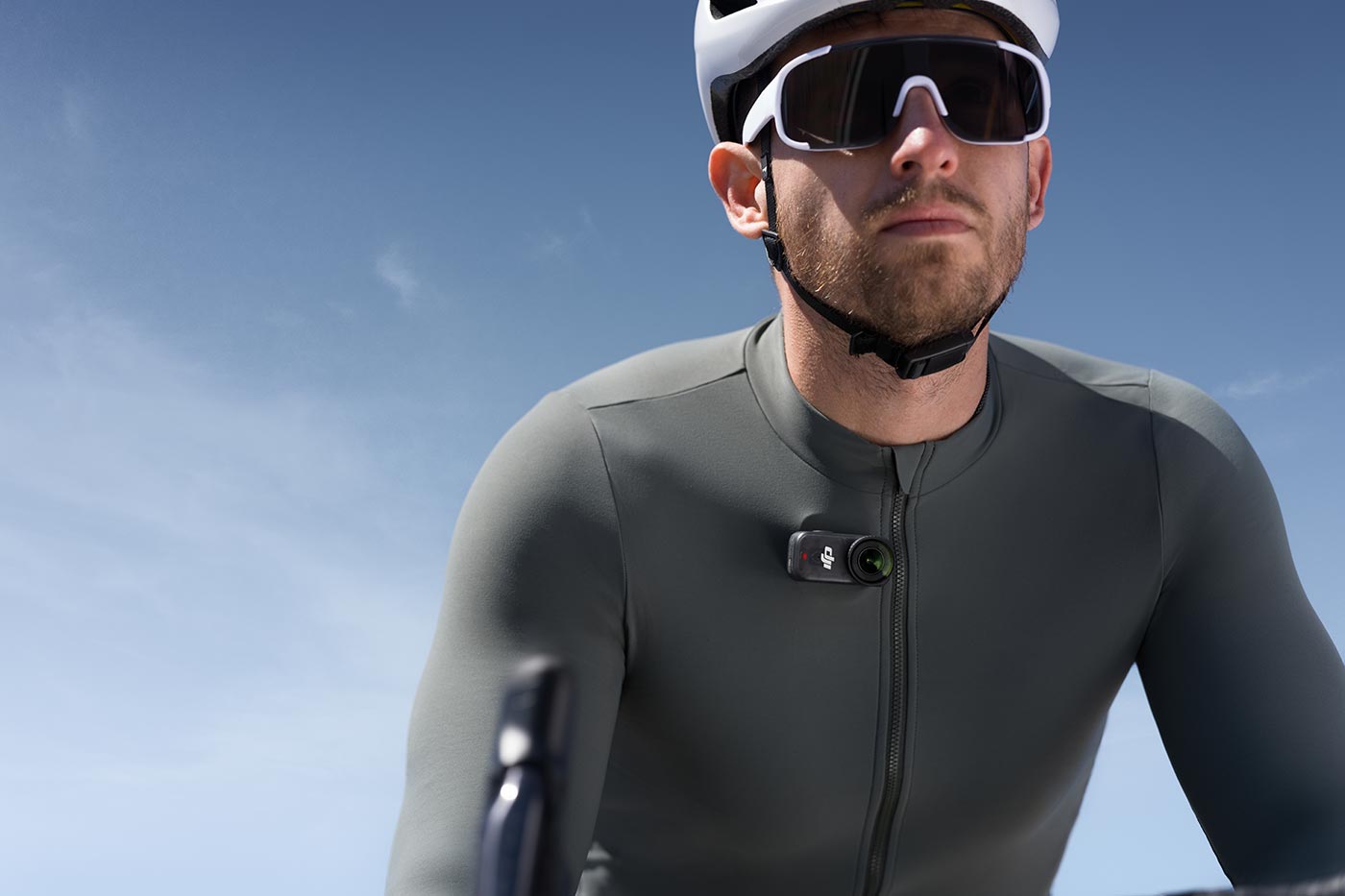
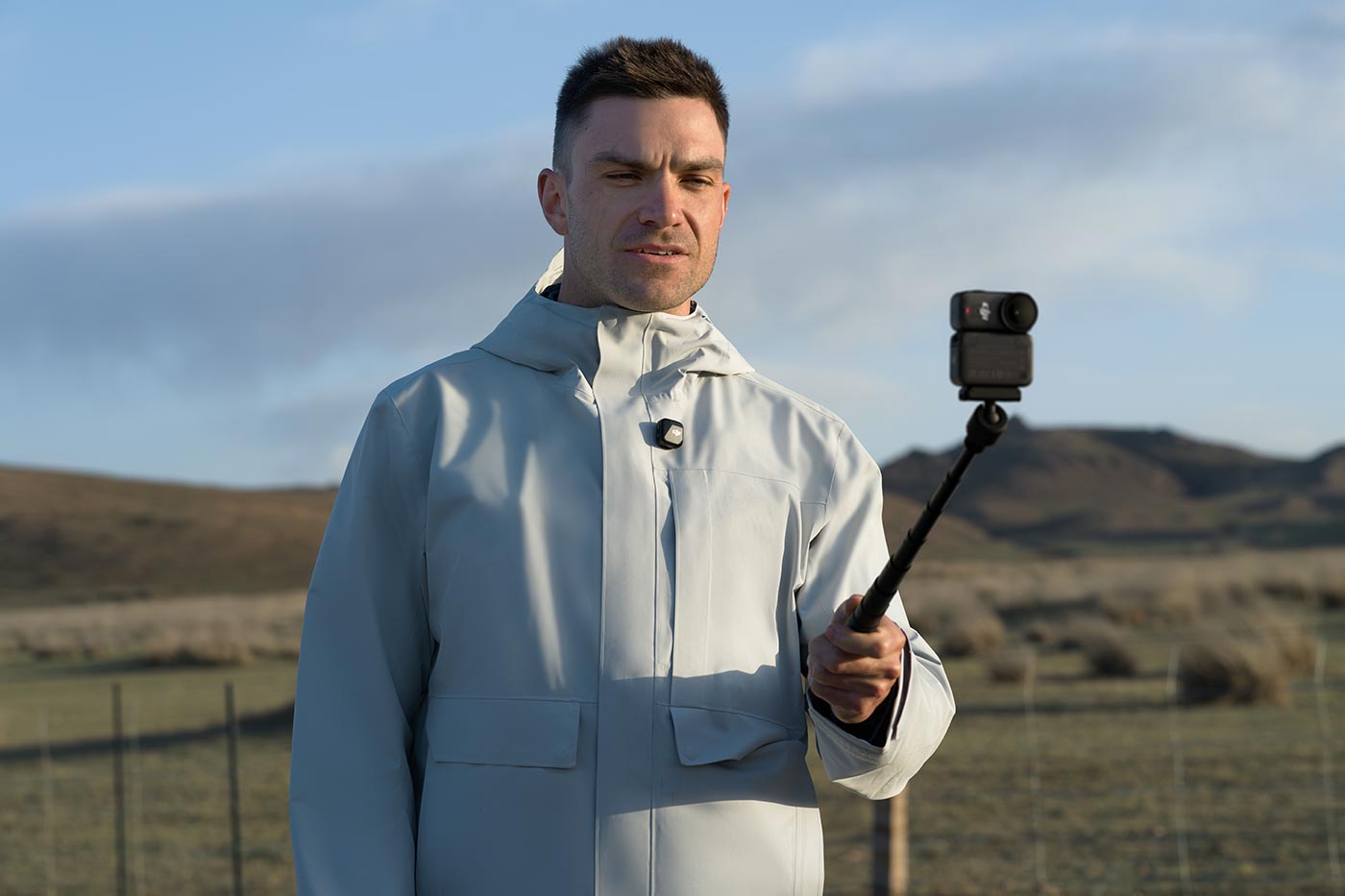
It has a dual-sided magnetic mount, which makes it more flexible than a traditional model to mount. It can be quickly attached to the included lanyard or hat clip, making it easy to record hands-free from your chest or hat.
This lets you capture moments without setting up a tripod or holding it, while for more active situations it frees you up to focus on what you’re doing, whether cycling, swimming or whatever.
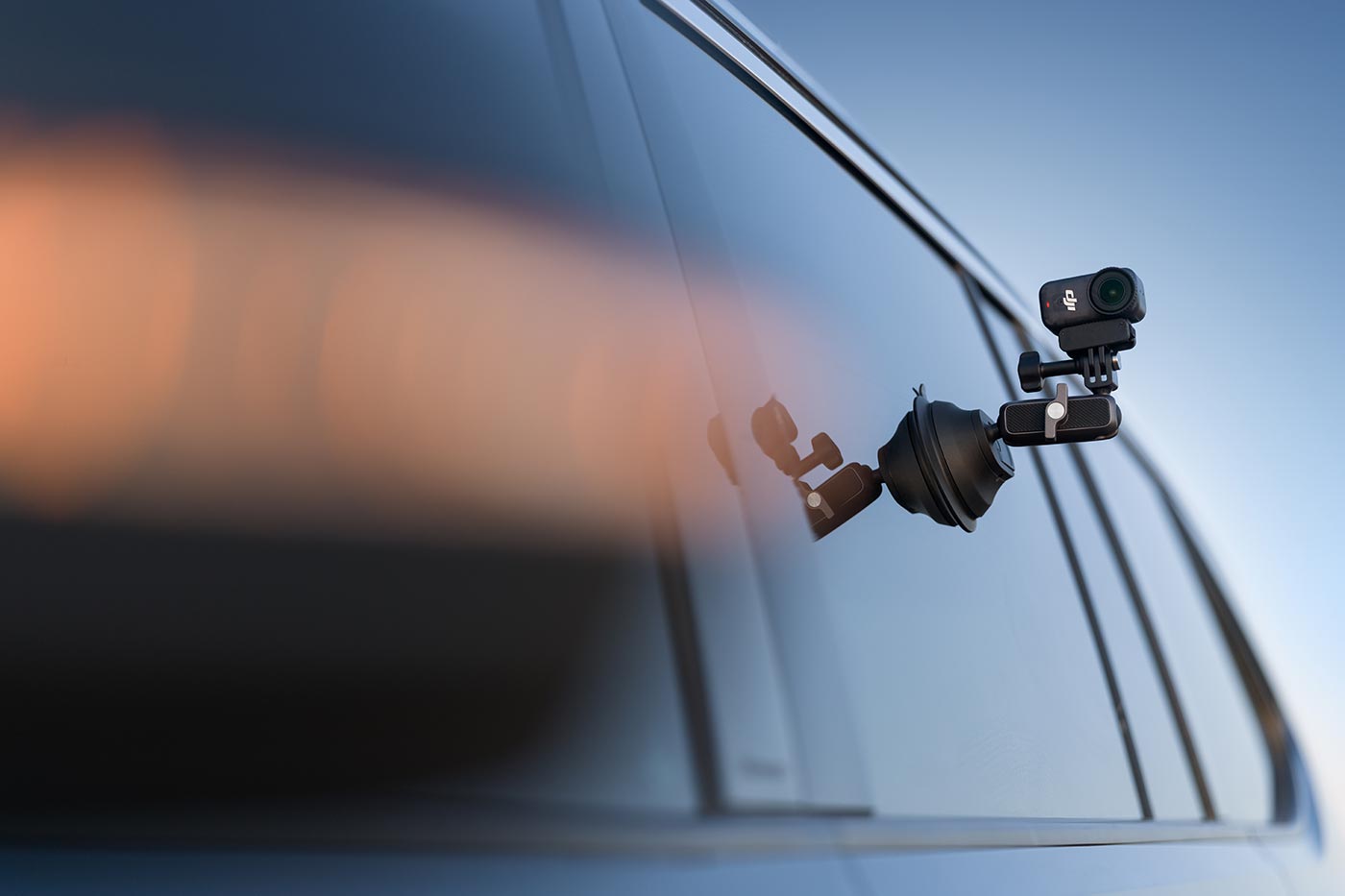
A bunch of accessories are available for this magnetic system. A Magnetic Headband secures it for immersive first-person perspectives like cycling or hiking. The Osmo Dual-Direction Magnetic Adapter allows for fast attachment to most mounts, so existing gear doesn’t go to waste. Meanwhile, the Magnetic Ball Head lets you stick it to flat surfaces like car windows or tiles, while being able to adjust the angle easily.
Stabilisation and Shooting Modes
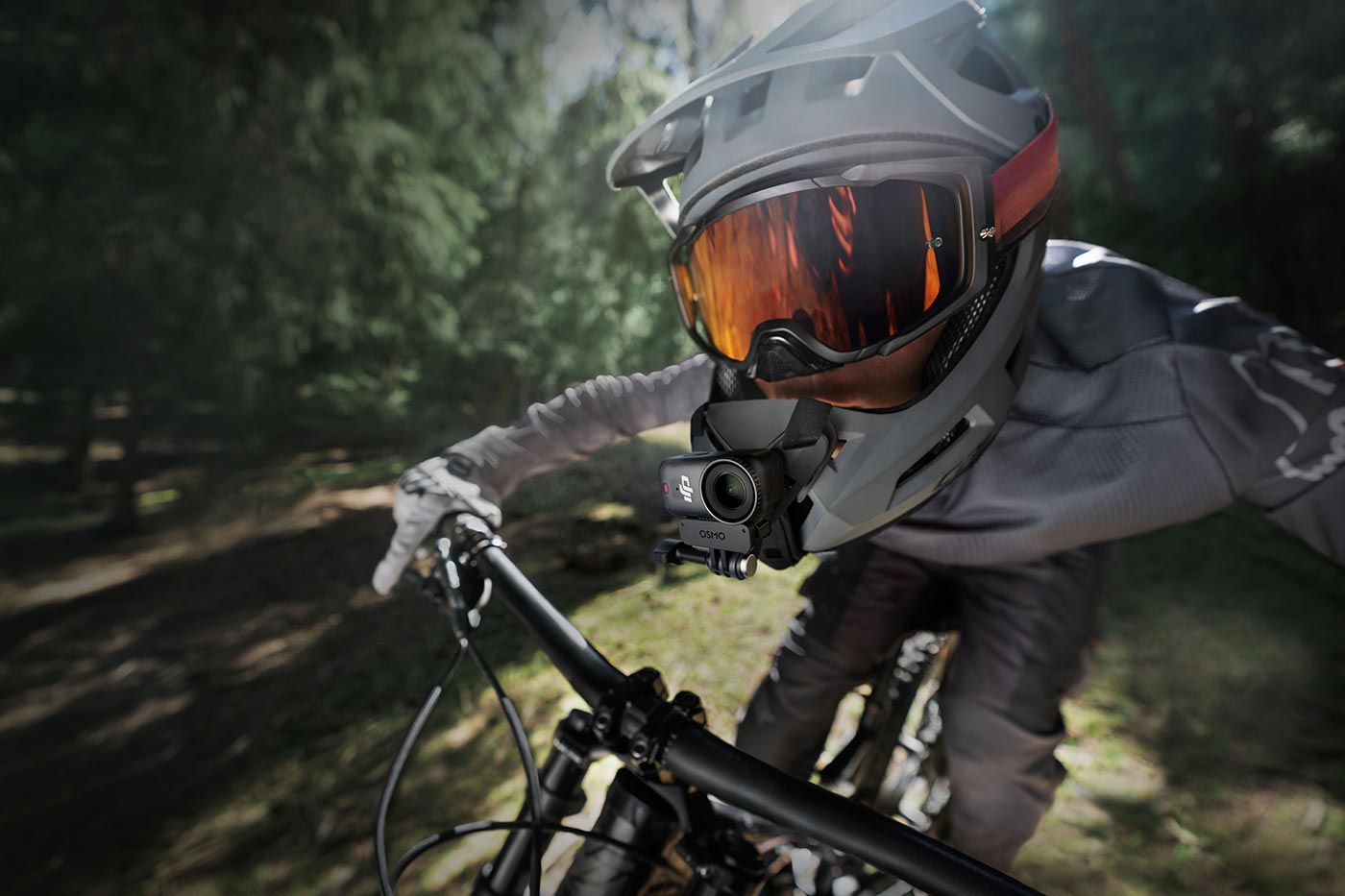
A wearable camera is only as good as its stabilisation, and this model offers RockSteady 3.0, which is able to smooth shakes when you’re on the move, whether running, cycling or capturing a spontaneous handheld movie. It works all the way to 4K/60fps, so you can get great quality when doing most of your favourite activities.
HorizonBalancing will correct tilt within ±30°, which means that footage will be level even if the body isn’t. This is particularly useful when filming travel or action shots where holding the camera perfectly straight isn’t generally possible, and it’s so good that you really don’t even need to think about keeping it level.

Creative content modes
Plenty of modes are available, including Timelapse and Hyperlapse, which can compress long scenes into short movies, while slow motion at up to 240fps (1080p) adds engaging aspects to action. Switching between horizontal and vertical means you can prepare for different social platforms without cropping later, so it really can capture results without you needing extensive skills in video.
Battery Life and Dock Features
Despite its tiny size, this model manages up to 90 minutes of recording on its own, which is impressive for such a small body that weighs a mere 52 g. However, when you add the included Multifunctional Vision Dock, runtime extends to around 200 minutes at 1080/24fps, giving you plenty of time for longer shoots. With this sort of battery life, you can easily capture family get-togethers, mount it to your pet for a pet-cam, or take it running cross-country, all without needing to plug it in and recharge.
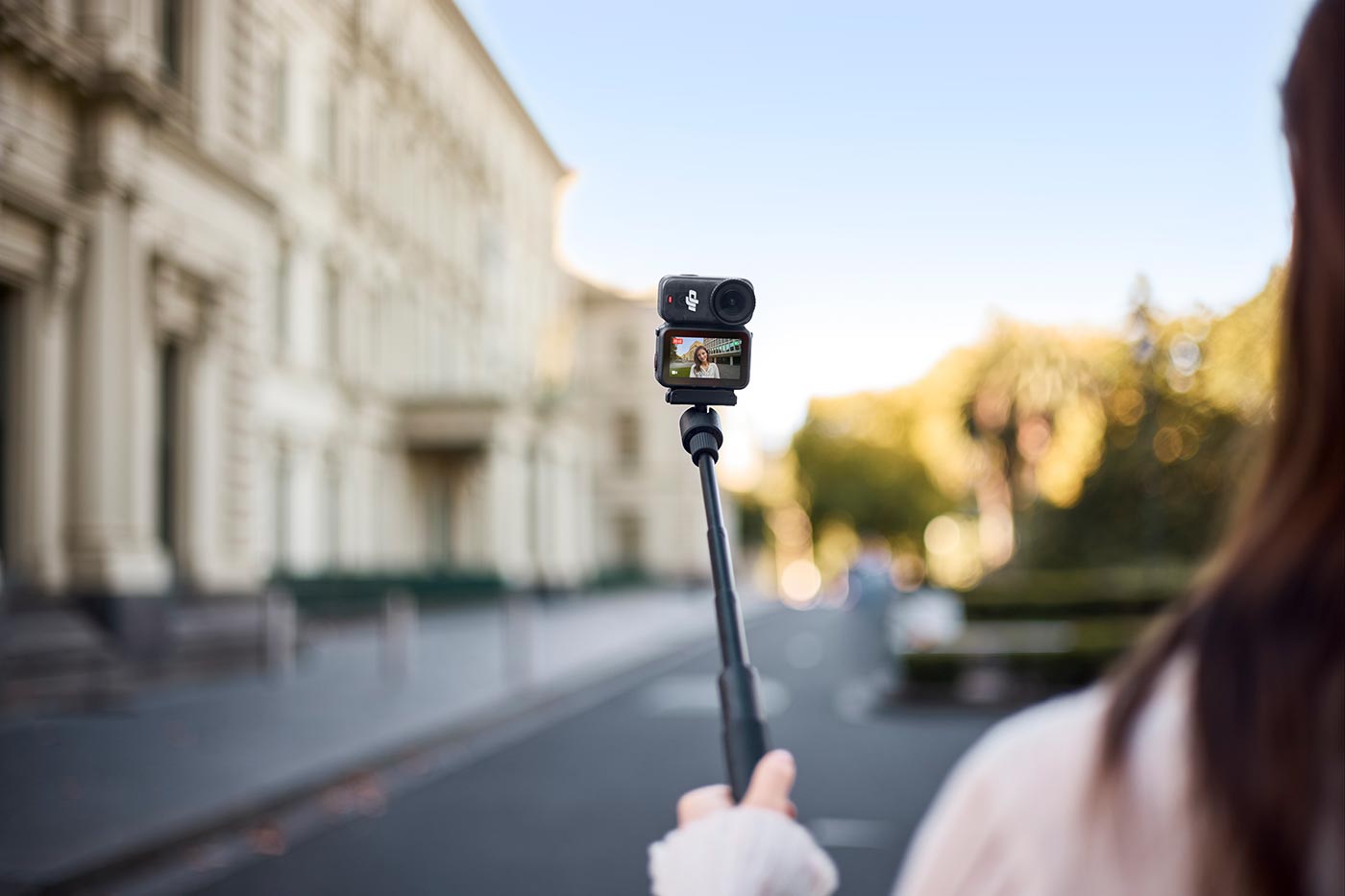
The Dock isn’t just about power either. It also adds a small OLED touchscreen that doubles as a live view monitor and remote controller, which makes it easier to frame or trigger recording from further away.
When you do need to recharge, using a PD fast charger gives you 80% battery in around 20 minutes, so you’re back up and running before you know it.
Storage and File Transfers
The main difference between the two options is storage. The 128GB version has 107.6GB of usable space, while the 64GB model has 48GB available. Both take microSD cards up to 1TB, giving you plenty of options depending on how much footage you shoot.
Transfers are fast, with the 128GB version supporting up to 600 MB/s via USB 3.1, and the 64GB version up to 400 MB/s. Wireless transfers are also included, with Wi-Fi 6 providing up to 80 MB/s and Bluetooth 5.1/5.4 ensuring quick pairing and smooth app connectivity.
Fast microSD cards are recommended, such as:
- Lexar MicroSDXC Silver Plus UHS-1 256GB V30 R205/W150MB/s (£39.99)
- Lexar MicroSDXC Silver Plus UHS-1 512GB V30 R205/W150MB/s (£82.99)
Who is it For?
It fulfils a different role in the line-up as a simple-to-operate wearable camera, as well as enough to record 4K/120fps and with the Dock, operates for up to 200 minutes.
It’s lightweight, has a dual-sided magnetic design, and clips onto a lanyard, headband or chest strap, leaving your hands free to focus on an activity rather than worrying about the setup. That makes it ideal for travel, cycling, running, and for beginners or advanced creators who want to record their (or their pets’) experiences in a natural POV style.
Shop for the DJI Osmo Nano Standard Combo (128GB) or the DJI Osmo Nano Standard Combo (64GB), which both include a kit of mounts and accessories to get you started.
Share this post:
By Nick Dautlich on 23/09/2025

Nick Dautlich
Senior Content Writer and Product Reviewer
Nick Dautlich is the Senior Content Writer and Product Reviewer at Park Cameras, with over 15 years of photography experience. A Sony Imaging Professional and expert reviewer, Nick has worked with major brands such as Canon, Sony and Nikon. His work is also featured on Vanguard World UK’s website, Capture Landscapes, and Shutter Evolve. Nick’s photography includes National Trust projects and magazine covers and he is passionate about landscapes and storytelling. Nick also enjoys hiking and teaching his children about nature. Learn more on his profile page.
Trade in your old equipment
Fast and easy trade in service ensures your old gear is collected efficiently and you are paid quickly! It's very simple to trade in your unwanted photography gear. Just head over to our dedicated Sell or Part Exchange page, fill out the details, and we'll get back to you with an offer for your old gear. Take the cash, or put it towards the cost of your new gear. It's up to you! Find out more
sign up to the newsletter
Keep up to date on the latest photography news, events and offers. Sign up now