- Call us 01444 237070

-
- Back
- Used Cameras
- Used Accessories
- Used Lenses
- Back
- Used Canon Lenses
- Used Nikon Lenses
- Used Fujifilm Lenses
- Used Sony Lenses
- Used Micro 4/3rds Lenses
- Used Leica Lenses
- Used Panasonic Lenses
- Used Pentax Lenses
- Used Samyang Lenses
- Used Sigma Lenses
- Used Tamron Lenses
- Used Tokina Lenses
- Used Voigtlander Lenses
- Used Zeiss Lenses
- Used Hasselblad Lenses
- Used Video
- Used Film Equipment
- Used Stock Alert
- Used Blank Test
- Sell or Part Exchange
- Used Clearance
- Recently Added Used Equipment
- Park Picks
- Faulty
- Trade-In
- Blog
- New in
- Call us
- Contact us
- Stores
- Sign in
- Categories
- Tips & Inspiration
- Reviews
- News
- Events
- Features
- Buying Guides
- Competitions
DJI Avata 360 First Look Review
Not a company to be outdone, DJI has released their first flagship DJI 360 drone. It arrives hot on the heels of the Antigravity A1, which was the first 360 drone to reach market back in December 2025.
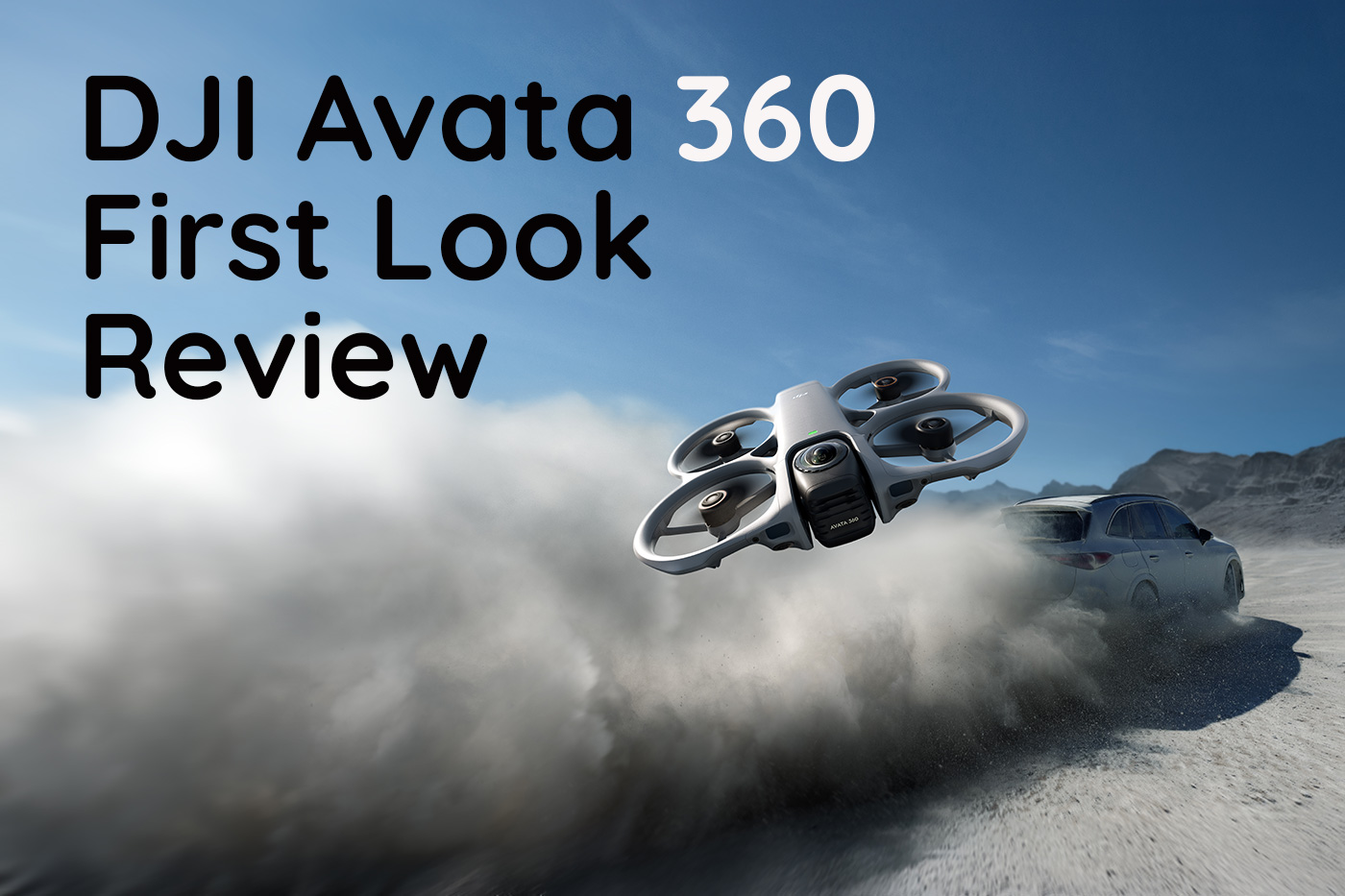
With the Avata 360, DJI takes a new approach to aerial content creation. Rather than using a single camera angle in the air, the new 360 system captures everything in every direction in one take, allowing creators to reframe footage later. Our DJI Avata 360 First Look Review compares this FPV drone to models like the DJI Avata 2, explores what it means ahead of any DJI Avata 3 release, and shows how 360° capture changes aerial content creation.
Discover how Avata 360 might shift your workflow away from a traditional camera drone experience towards something closer to an open gate workflow with multi-format delivery.
Let’s begin with the drone combo options and pricing, which are the first questions on most people’s minds.
Which combos does the Avata 360 come in and what’s the price?
The DJI Avata 360 is available in three options, balancing controller, which accessories are included, flight time and FPV capability. The flagship DJI Avata 360 (RC 2) price starts at £639.00, positioning it above the DJI Avata 2 (Drone Only), which costs £359.00.
At launch, the three options are:
- DJI Avata 360 (RC 2) £639.00
- DJI Avata 360 Fly More Combo (RC 2) £829.00
- DJI Avata 360 Motion Fly More Combo £829.00
With pricing out of the way, let’s explore what you get in the box for each of the Avata 360 combos next.
What’s included with DJI Avata 360 combo?
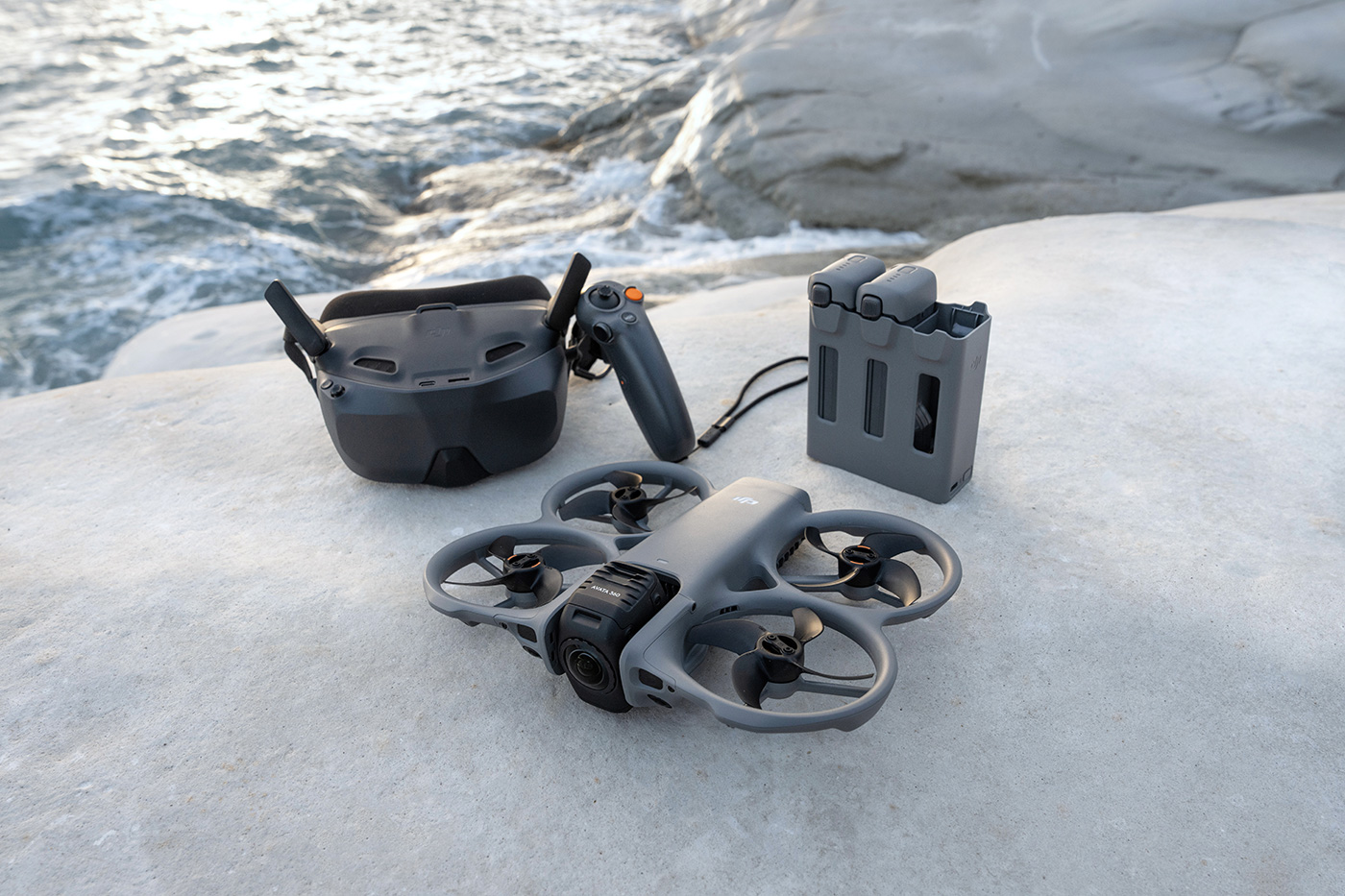
Each 360 drone combo includes a different combination of controller, batteries and accessories. The table below shows what’s included with each, so you can compare which suits your content creation style and individual needs.
| Included | DJI Avata 360 (RC 2) | Fly More Combo (RC 2) | Motion Fly More Combo |
|---|---|---|---|
| DJI Avata 360 | ✅ | ✅ | ✅ |
| DJI RC 2 | ✅ | ✅ | |
| DJI RC Motion 3 | ✅ | ||
| DJI Goggles N3 | ✅ | ||
| Intelligent Flight Battery | 1 | 3 | 3 |
| Two-Way Charging Hub | ✅ | ✅ | |
| Sling Bag | ✅ | ✅ | |
| Foldable Landing Pad | ✅ | ✅ | |
| Lens Cleaning Cloth | ✅ | ✅ | ✅ |
| Spare Propellers (Pair) | 2 | 2 | 2 |
| USB-C Cable | ✅ | ✅ | ✅ |
What Makes the DJI Avata 360 Different?
As DJI’s first ever 360 camera drone, the Avata 360 offers a completely new way of capturing aerial footage compared to any other DJI FPV drone. Instead of framing each shot while flying, it records the entire scene with two 1-inch sensors.
The captured 360° footage allows you to choose your composition later on, as everything is included in the frame. With a regular drone such as the DJI Avata 2, you capture a specific scene or view by adjusting direction, altitude and camera angle in real time to keep a subject in frame.
Avata 360 lets you concentrate on the flight path and piloting, then refine your framing afterwards during the edit. This saves time due to missed shots and allows for multiple edits from a single take, much like using Open Gate video recording with a digital camera.
360° video also speeds up the delivery process, as any 360 video footage can be reframed into landscape or vertical formats, and cropped for different needs and platforms. For creators who capture content for social media and for commercial projects, this flexibility can reduce the need to reshoot the same scene multiple times, avoiding retakes due to poor composition and so on.
What video modes does Avata 360 have?
As DJI’s flagship 360 drone, Avata 360 features a dual-sensor camera system, with two 1/1.1-inch square CMOS sensors, each offering 64MP resolution. These can record native 8K 360° HDR video at up to 60fps, capturing the entire scene without any noticeable drop in detail.
For most users, 8K will mostly be about the flexibility to crop, although the camera also supports 6K recording across a range of frame rates.
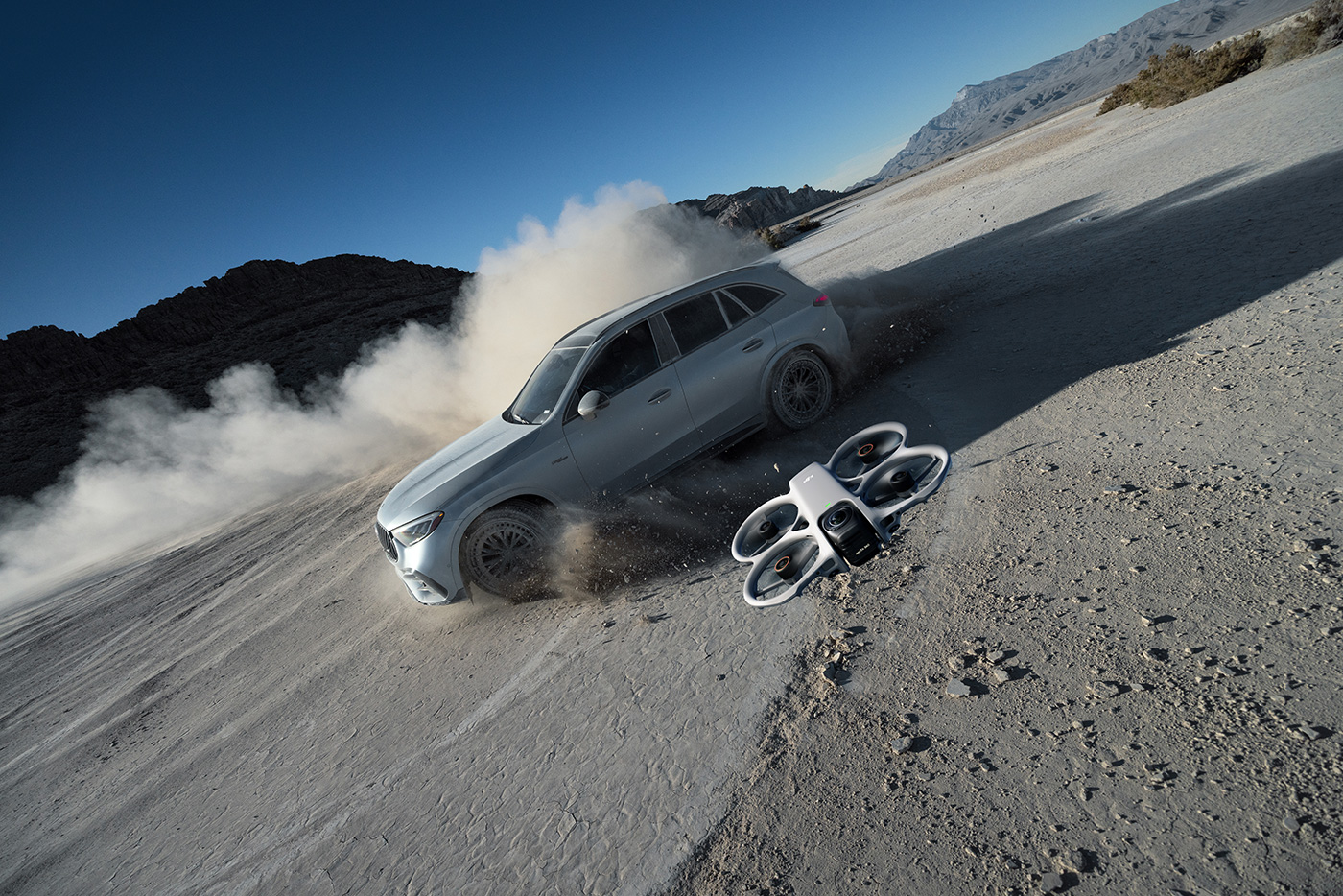
If you prefer traditional flat video as your starting point, Single Lens mode records video at up to 4K/60fps or 2.7K/120fps for slow motion effects. Using Single Lens mode makes Avata 360 more like a conventional FPV drone, which may be useful when you want a quick turnaround or don’t need 360 video.
Standard colour profiles and D-Log M are available, which retain more detail in highlights and shadows for colour grading. The f/1.9 aperture and relatively large pixel size ensure good performance across a range of lighting conditions, with strong detail in both bright and darker areas, including sunsets and low light.
Avata 360 also captures up to 120MP 360° still images, giving you the same flexibility to crop and reframe as video. This allows you to extract multiple compositions from a single photo rather than precisely framing shots at the point of capture.
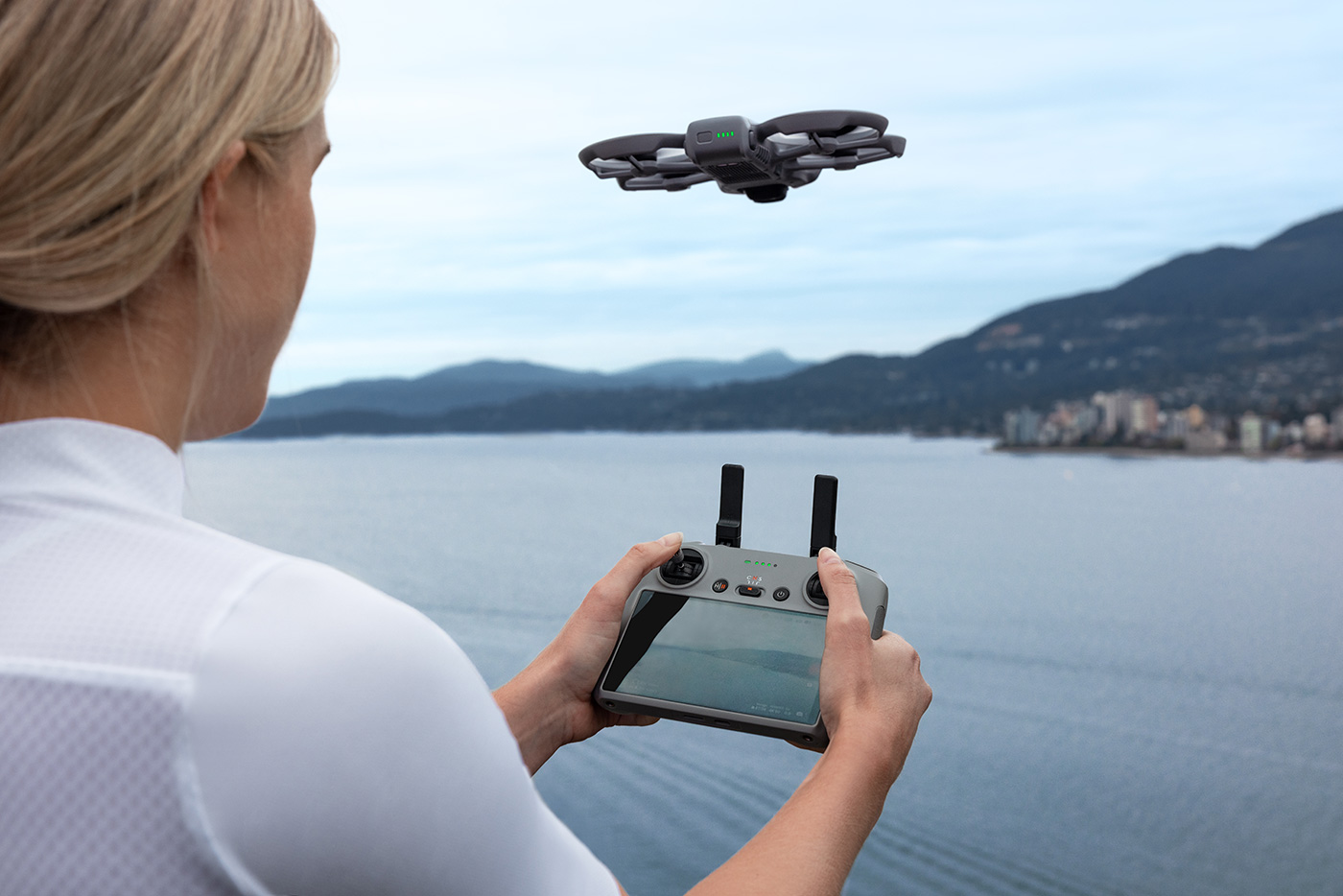
What Can You Do With 8K 360° Video?
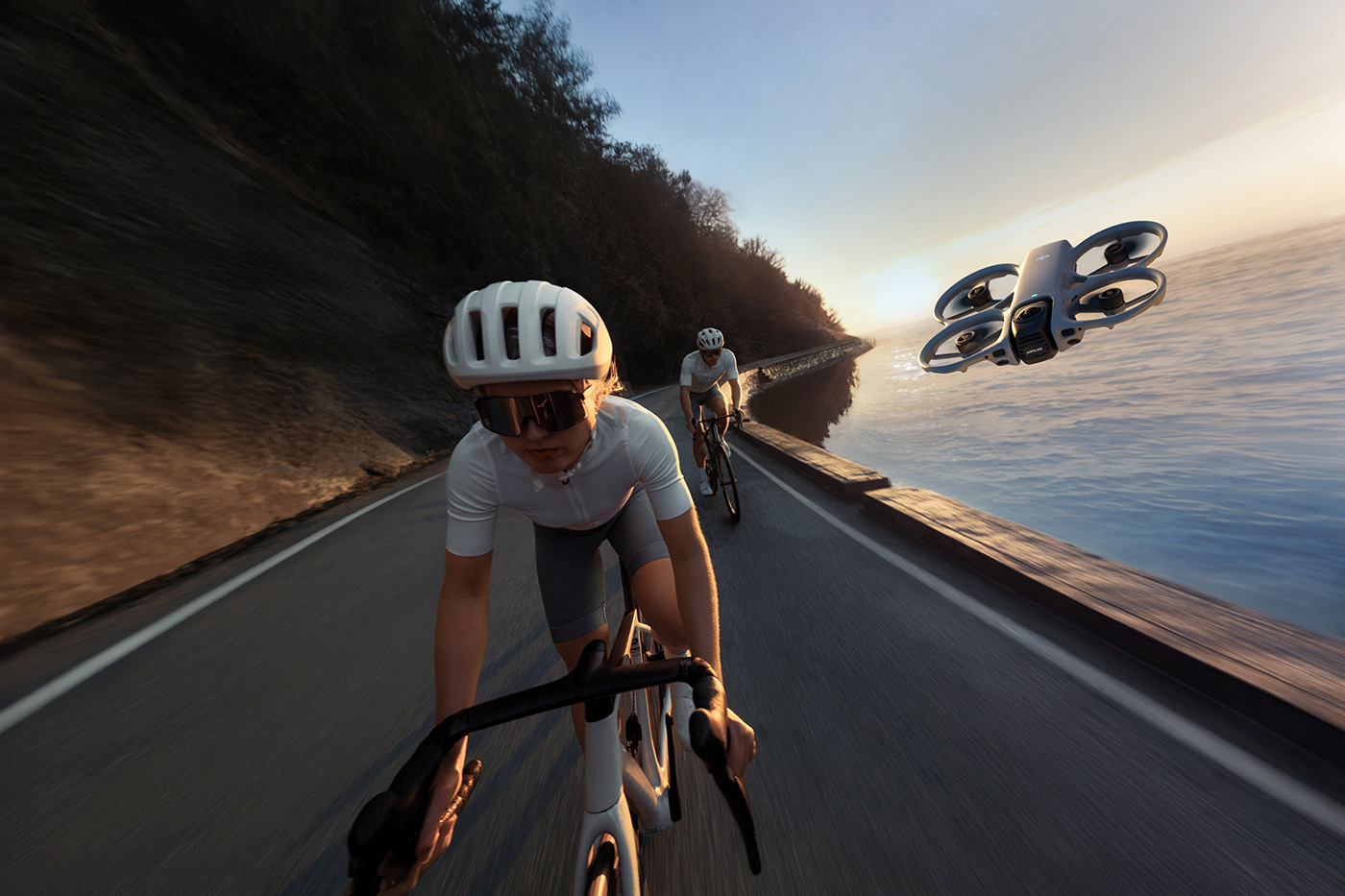
As discussed earlier, 8K 360° video changes how aerial content is captured and delivered for different use cases, which has a number of practical applications. For travel, this allows you to fly through a location without constantly adjusting the camera angle, capturing surroundings in one pass for framing in post.
For real estate and location content, 360 capture can be used to set the scene with establishing shots or to create virtual tour-style footage. A single flight now provides multiple viewpoints, which can be edited into different outputs depending on the brief. It is also suitable for action, where a subject must be perfectly framed, which is quite tricky in some situations.
Other applications for 360 video include:
- industrial inspections
- scientific research
- detailed 3D city modelling
So it supports a wide range of applications, but how easy is it to capture usable footage?
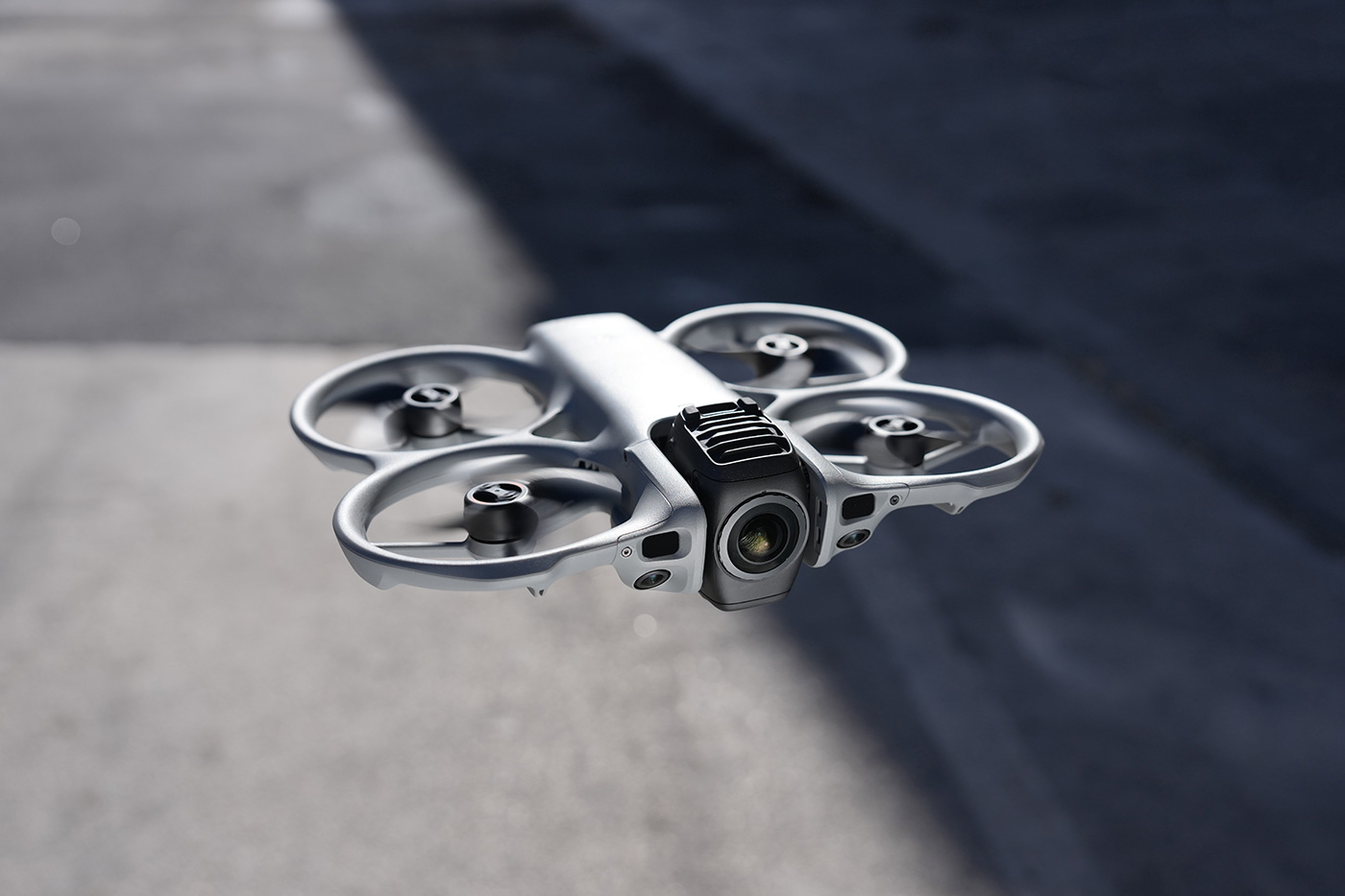
What intelligent flight modes does Avata 360 have?
Yes, Avata 360 has a selection of intelligent content creation tools, albeit with some removed as they are no longer necessary. Because the entire scene is captured in 360°, many of these tools are used to control movement and subject tracking rather than video or photo compositions.
ActiveTrack 360° allows the drone to follow a subject while maintaining distance and direction, without needing to keep it centred in frame. Spotlight Free takes this further by locking onto a subject and assisting with camera movement, allowing you to focus on flying while the system manages orientation.
Automated flight paths including Circle and Dronie shots are available, but with the added benefit that framing can be adjusted later in post.
Some traditional features, such as panorama mode is no longer required, as the full 360° scene is recorded by default, effectively replacing the need for stitched panoramic images.
How about safety features? Let’s look at what’s available next.
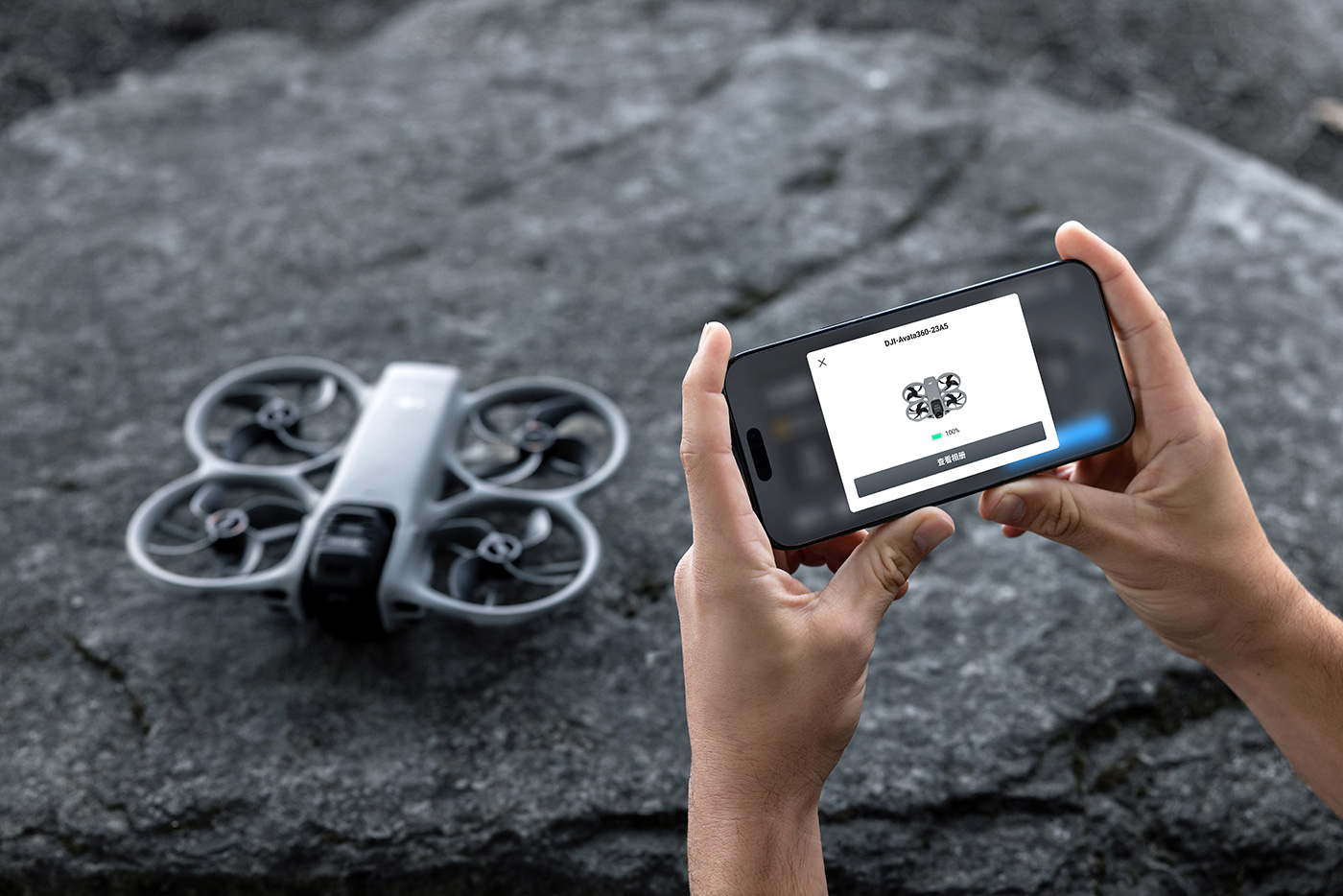
What safety features does the aircraft have?
With only a 23 minute max. flight time, DJI Avata 360 is primarily for fairly close-range flights. It does still include several of DJI’s most adept safety technologies to support stable flight and reduce the risk of collisions. These include:
- Omnidirectional obstacle sensing in 360° mode for detecting surroundings in multiple directions
- Forward-facing LiDAR to improve obstacle detection in low light conditions
- Downward infrared sensing to support stable hovering and landing
- Integrated propeller guard to protect the aircraft during close flight
- Vision positioning system for improved stability near surfaces
These features allow Avata 360 to be flown more confidently in a broad range of environments.
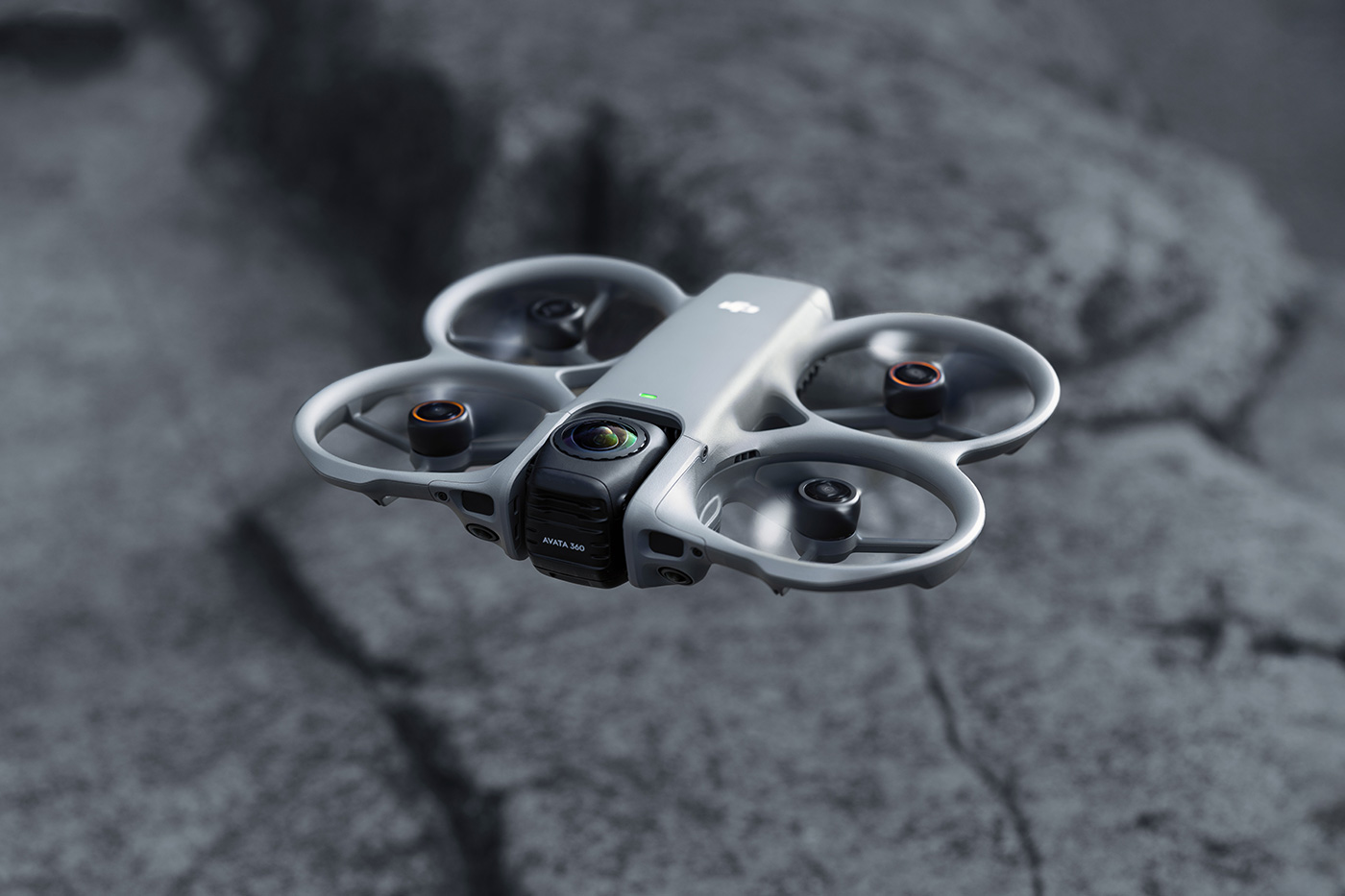
Avata 360 Vs Avata 2 Specs comparison
Our comprehensive specifications comparison table below shows where Avata 360 Vs Avata 2 drones differ.
|
|
Avata 360 (new) |
Avata 2 |
|
Takeoff Weight |
Approx. 455 g |
Approx. 377 g |
|
Dimensions (LxWxH) |
246 x 199 x 55.5 mm |
185 x 212 x 64 mm |
|
Max Ascent Speed |
2 m/s (Cine); 6 m/s (Normal); 10 m/s (Sport) |
6 m/s (Normal mode), 9 m/s (Sport mode) |
|
Max Descent Speed |
1.5 m/s (Cine); 6 m/s (Normal); 10 m/s (Sport) |
6 m/s (Normal mode), 9 m/s (Sport mode) |
|
Max Horizontal Speed |
6 m/s (Cine); up to 16 m/s (Normal); 18 m/s (Sport) |
8 m/s (Normal mode) 16 m/s (Sport mode) 27 m/s (Manual mode) |
|
Max Takeoff Altitude |
4500 m |
5000 m |
|
Max Flight Time |
Approx. 23 mins |
Approx. 23 mins |
|
Max Hovering Time |
Approx. 22 mins |
Approx. 21 mins |
|
Max Flight Distance |
13.5 km |
Approx. 13 km |
|
Max Wind Speed Resistance |
10.7 m/s (Level 5) |
10.7 m/s (Level 5) |
|
Max Pitch Angle |
48° |
35° |
|
Operating Temperature |
-10° to 40° C |
-10° to 40° C |
|
GNSS |
GPS + Galileo + BeiDou |
GPS + Galileo + BeiDou |
|
Internal Storage |
42 GB |
46 GB |
|
Class |
C1 (EU) |
C1 (EU) |
|
Image Sensor |
Two 1/1.1-inch square CMOS sensors, 64MP each |
1/1.3-inch CMOS, 12MP |
|
Lens |
200° FOV; 7.8 mm equivalent; 2.5 mm focal length; f/1.9; focus 1.5 m to ∞ |
FOV: 155°, f/2.8 |
|
ISO Range |
360° video up to 25600; photo up to 6400; single lens video up to 12800 |
100–25600 |
|
Shutter Speed |
Video 1/8000–1/25 s; Photo 1/8000–1/30 s |
1/8000–1/50 s |
|
Still Image Resolution |
30MP or 120MP (360° mode) |
12 MP |
|
Max Image Size |
15520 x 7760 |
4000x3000 |
|
Photo Format |
JPEG/DNG |
JPEG only |
|
Video Resolution |
8K up to 60fps (360°) 6K up to 60fps (360°) 4K up to 60fps 2.7K up to 120fps |
4K 60fps 2.7K 120fps 1080p 120fps |
|
Video Format |
OSV, MP4 (H.265) |
MP4 (H.264/H.265) |
|
Max Video Bitrate |
180 Mbps |
130 Mbps |
|
Colour Modes |
Normal, D-Log M |
Normal, D-Log M |
|
Stabilisation Gimbal |
Single-axis mechanical tilt and 360° virtual stabilisation |
Single-axis mechanical gimbal (tilt) |
|
Supported File System |
exFAT |
exFAT |
|
Gimbal Control Range |
Tilt -30° to 60° (RC); -60° to 60° (goggles); virtual ±180° tilt and roll |
Tilt: -85° to 80° |
|
Gimbal Max Speed |
100°/s |
100°/s |
|
Gimbal Precision |
±0.01° |
±0.01° |
|
Obstacle Sensing |
Omnidirectional vision with LiDAR and infrared sensor |
Downward and backward visual positioning |
|
Forward Sensing Range |
0.5–20 m |
Not supported |
|
Backward Sensing Range |
0.5–18 m |
0.5-20 m |
|
Lateral Sensing Range |
0.5–18 m |
Not supported |
|
Upward Sensing Range |
0.5–18 m |
Not supported |
|
Downward Sensing Range |
Up to 10 m hovering |
0.3–20 m hovering |
|
Transmission System |
O4+ |
O4 |
|
Live View max. |
Single Lens Mode: 1080p @100fps
360° Mode: 1080p @60fps |
1080p @ 100fps |
|
Operating Frequency |
2.4 GHz, 5.1 GHz, 5.8 GHz (region dependent) |
2.4 GHz, 5.8 GHz |
|
Max Transmission Distance |
Up to 20 km (FCC), 10 km (CE) |
FCC: 13 km, CE: 10 km |
|
Latency |
Approx. 130 ms |
24 ms (1080p/100fps with DJI Goggles 3) |
|
Max Download Speed |
O4+: 10 MB/s Wi-Fi 6: 100 MB/s |
Approx. 30 MB/s |
|
Antennas |
4 antennas, 2T4R |
2 antennas |
|
Battery Capacity |
≥ 2700 mAh |
2150 mAh |
|
Battery Type |
DJI Avata 2 Intelligent Flight Battery |
|
|
Charging Temperature |
5° to 40° C |
5° to 40° C |
|
Charging Hub Input |
5–20 V, max 5 A |
5–20 V, max 5 A |
|
Recommended Cards |
Lexar SILVER PLUS and Kingston CANVAS GO! Plus A2 V30 microSDXC |
Kingston CANVAS GO Lexar Professional 1066x |
|
Wi-Fi |
802.11 a/b/g/n/ac/ax |
802.11 a/b/g/n/ac |
|
Bluetooth |
Bluetooth 5.4 |
Bluetooth 5.0 |
The biggest difference between these is of course the ability to capture 360 content, which will be seen as a huge time-saver for some creators. However if you enjoy the thrill of FPV piloting without 360 video, Avata 2 is likely a better choice for you.
Which DJI Avata 360 combo should you choose?
Choosing between the three options is pretty easy, depending on your needs.
- DJI Avata 360 (RC 2) is the base option for flights using a regular DJI controller, or if you already own Goggles N3.
- Avata 360 Fly More Combo (RC 2) adds two additional batteries and a charging hub, which is better for longer sessions between charging.
- DJI Avata 360 Motion Fly More Combo focuses on immersion, with goggles and motion control included, which changes how you fly and capture footage. This also includes additional batteries and a hub.
Choose the RC 2 version for standard control, or the Motion Combo for a more immersive FPV-style experience. Whichever you go for, there’s no doubt this will appeal to a broad range of pilots and creators, not just for the thrill of FPV flights, but for the time-saving 360 content provides, the ability to reframe and create classic 4K movies too.
Browse all of our drones to find your perfect model and head out on location for immersive piloting and next-level aerial content creation.
Share this post:
By Nick Dautlich on 26/03/2026

Nick Dautlich
Senior Content Writer and Product Reviewer
Nick Dautlich is the Senior Content Writer and Product Reviewer at Park Cameras, with over 15 years of photography experience. A Sony Imaging Professional and expert reviewer, Nick has worked with major brands such as Canon, Sony and Nikon. His work is also featured on Vanguard World UK’s website, Capture Landscapes, and Shutter Evolve. Nick’s photography includes National Trust projects and magazine covers and he is passionate about landscapes and storytelling. Nick also enjoys hiking and teaching his children about nature. Learn more on his profile page.
Trade in your old equipment
Fast and easy trade in service ensures your old gear is collected efficiently and you are paid quickly! It's very simple to trade in your unwanted photography gear. Just head over to our dedicated Sell or Part Exchange page, fill out the details, and we'll get back to you with an offer for your old gear. Take the cash, or put it towards the cost of your new gear. It's up to you! Find out more
sign up to the newsletter
Keep up to date on the latest photography news, events and offers. Sign up now